Scenario
You have installed Exchange 2010 but have realised that you need more space for the database files.
You need to move these database files to another drive.
Solution
- Open the Exchange Management Console (EMC) and navigate to Organization Configuration > Mailbox > Database Management tab.
- Right-click on your Mailbox Database and select Move Database Path:

- Update the Database file and Log folder paths, then click Move:

- The operation will begin showing a screen like this:

- You will then get a warning message asking for confirmation to temporarily dismount the database. Click Yes:

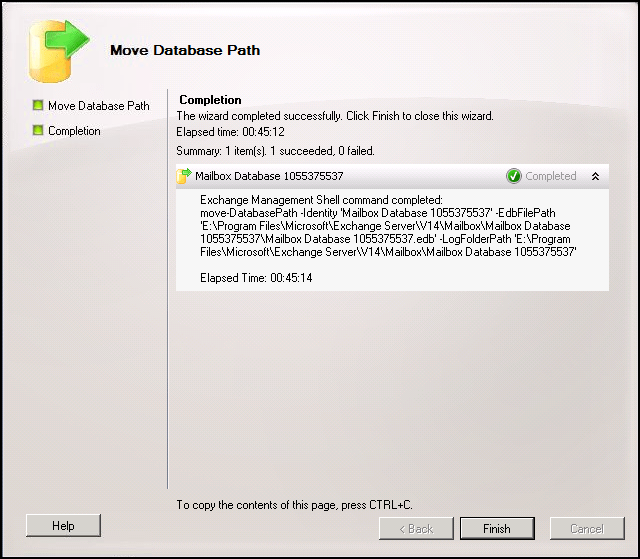
- Once completed, the following screen is displayed: